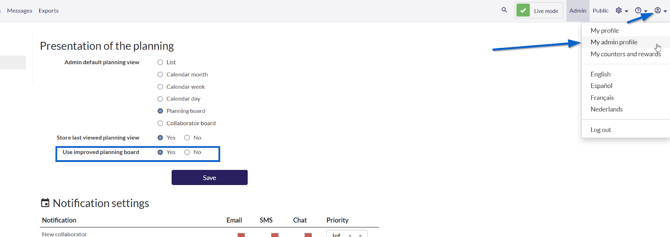
Once activated, access your planning and locate the square next to "Actions." This square will be visible in the projects and subprojects overview.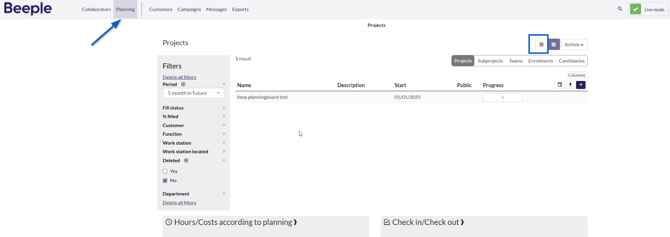
To return to the list view, click the burger icon.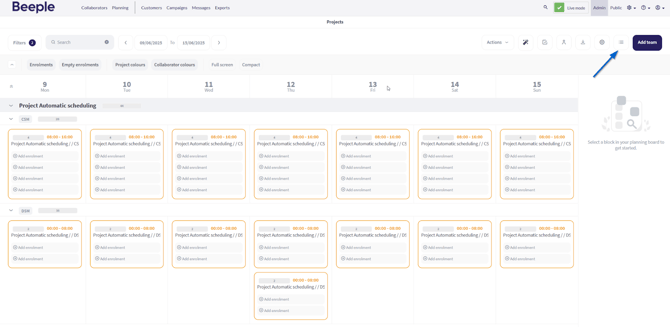
.png?width=200&height=82&name=Beeple_Logo_Blue%20(1).png)
Once activated, access your planning and locate the square next to "Actions." This square will be visible in the projects and subprojects overview.
To return to the list view, click the burger icon.