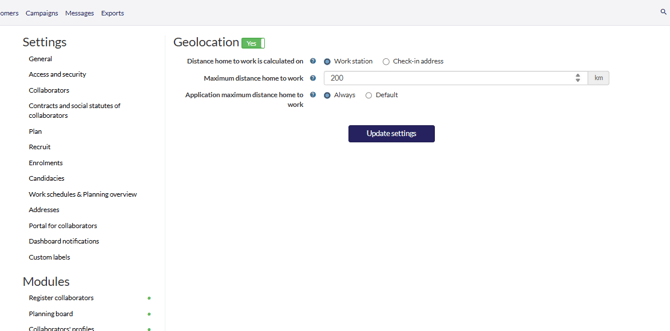
- Go to the gearwheel icon.
- Select "Settings."
- Under "Modules," locate "Geolocation"
- Ensure "Geolocation" is active.
Next, you will see at the gearwheel icon, addresses that the geolocation is active: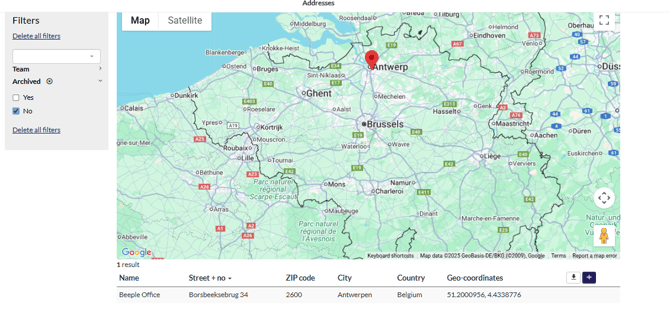
.png?width=200&height=82&name=Beeple_Logo_Blue%20(1).png)
Next, you will see at the gearwheel icon, addresses that the geolocation is active: