.png?width=200&height=82&name=Beeple_Logo_Blue%20(1).png)
Locate the gear icon and select "Departments" from the options.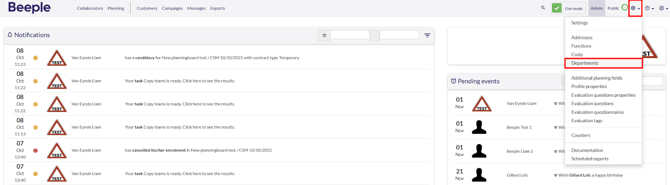
This page displays a list of existing departments. You can also create new departments by clicking the "+" icon on the right.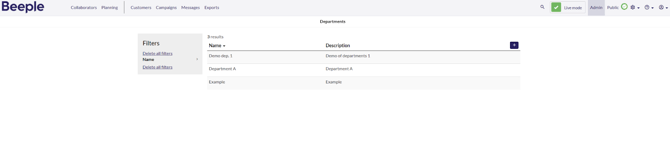
Once you open a department, templates can be viewed or edited for a specific department.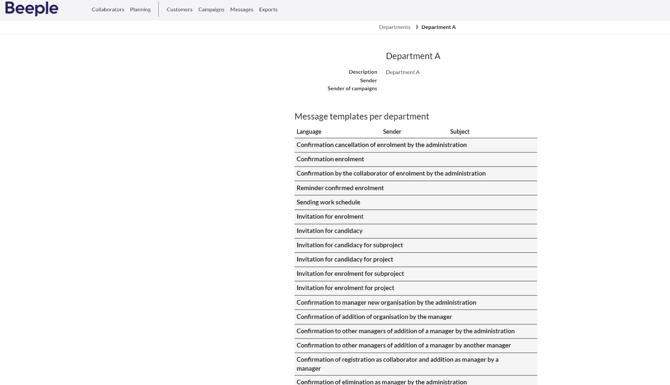
Note: Your access to view or edit these may be limited depending on your environment's setup.