.png?width=200&height=82&name=Beeple_Logo_Blue%20(1).png)
To access export templates, navigate to the gearwheel icon and select "Settings."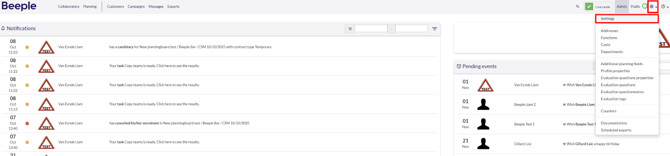
From the "Modules" list on the left, choose "Export data."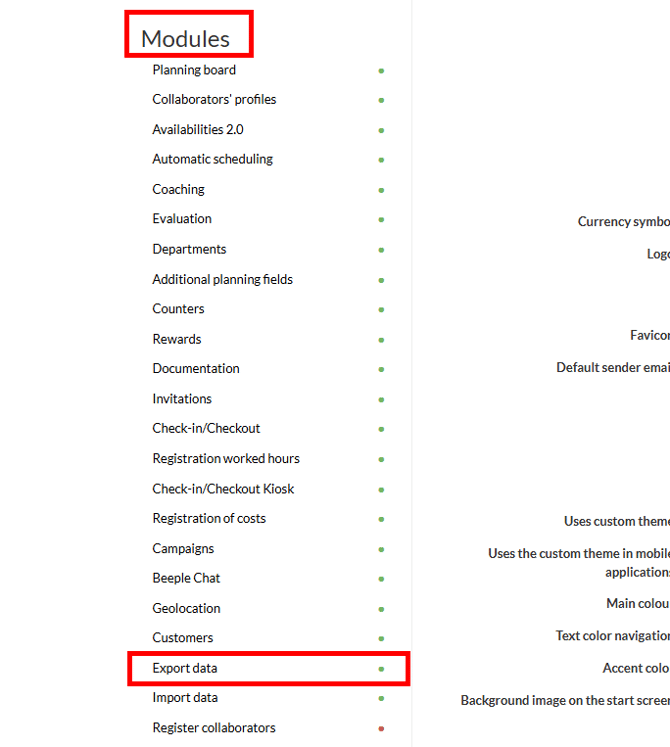
If not already active, toggle the slider to "Yes" and save the changes.
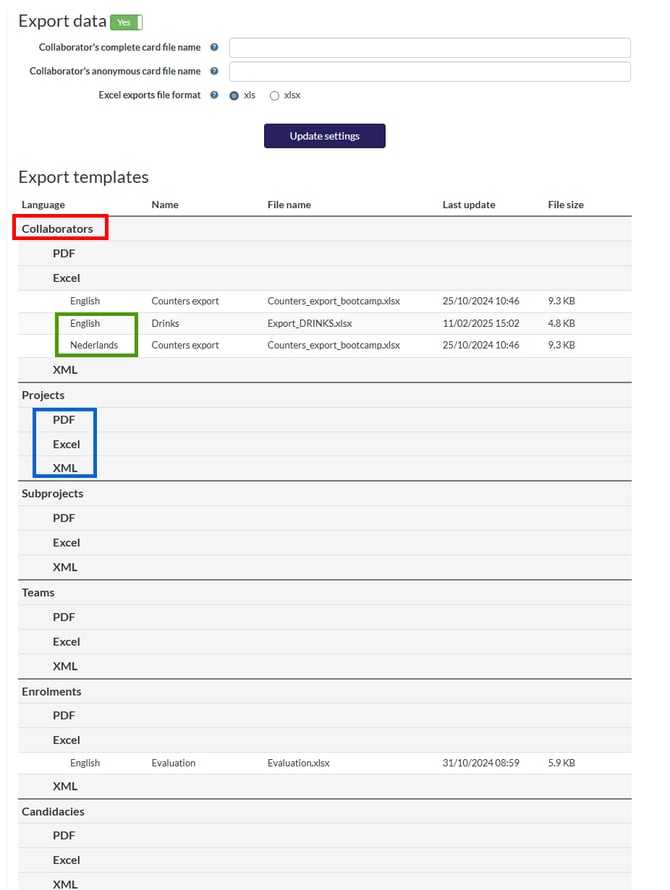
The overview presents three key discussion points:
- Red: This indicates the level at which the export will be generated. This level can change based on the active modules within the environment.
- Blue: These are the three distinct export types available from Beeple.
- Green: This allows for uploading templates in various languages, contingent on the environment's specific setup.
For more information, look at “How to export”
If you have any questions about PDF-XML, please contact support@beeple.eu
Import: Once an export template has been added it can only be removed as long as the template hasn’t been used to create an export.