.png?width=250&height=103&name=Beeple_Logo_Blue%20(1).png)
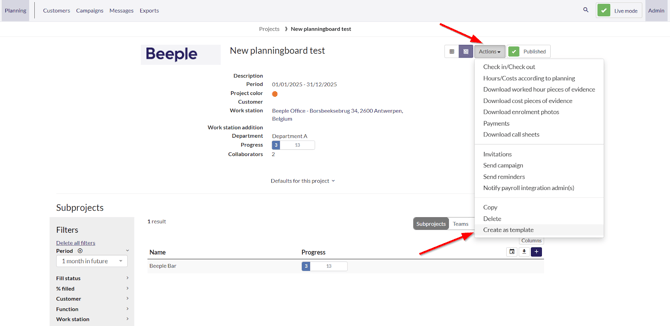
- Go into a project
- Select actions
- Select “Create as template”
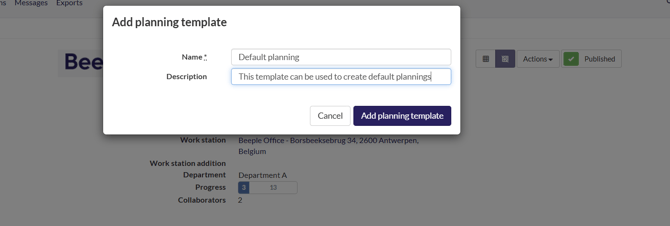
Give it your desired name + description and click “Add planning template”
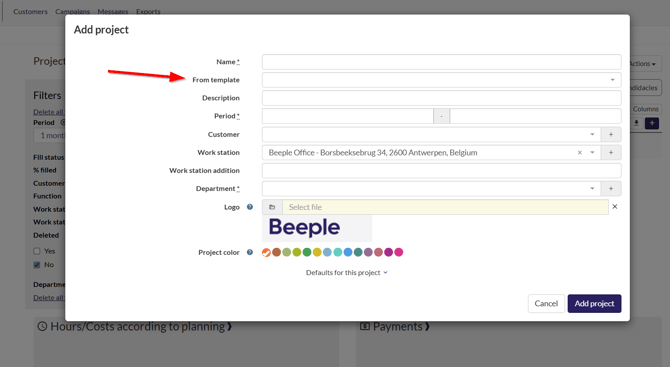
If we now create a new project, we can select our created template in the “From template” section.
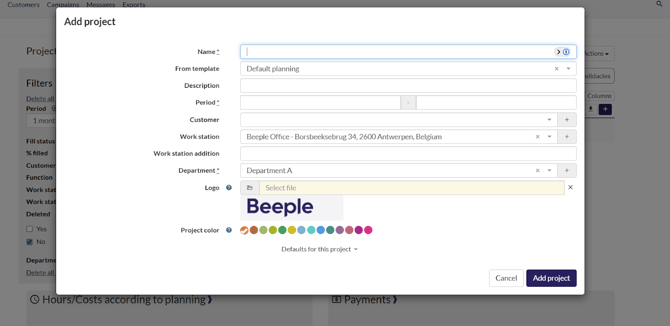
When we do so, we can see that it auto-fills in all fields that were on the planning template we created: