.png?width=250&height=103&name=Beeple_Logo_Blue%20(1).png)
- Admin: When enrolling a collaborator.
- Collaborator: When applying for a job.
For example:
- Profile property at enrolment: Do you have a car available on the working day?
- Normal profile property: Do you have a car available?
To activate it:
Go to the gearwheel icon.
- Select "Settings."
- Under "Modules," locate "Profile properties at enrolment"
- Ensure "Profile properties at enrolment" is active.
- Go to the gearwheel and select Profile properties at enrolment
- Add a new profile property like you can do for regular profile properties
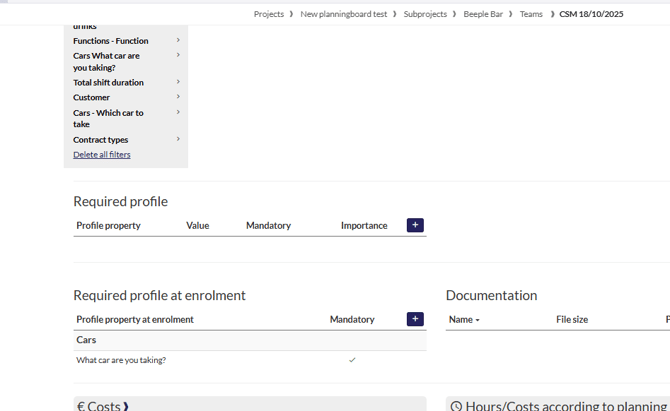
Like a required profile property on the team, we can now also request a required profile at enrolment
This is a field the collaborator has to fill in upon enrolment.