.png?width=250&height=103&name=Beeple_Logo_Blue%20(1).png)
On the web app
Once you log in on the web, you can select “Jobs” and a button appears stating “invite friends”.
This same button is also visible on the “My work” page.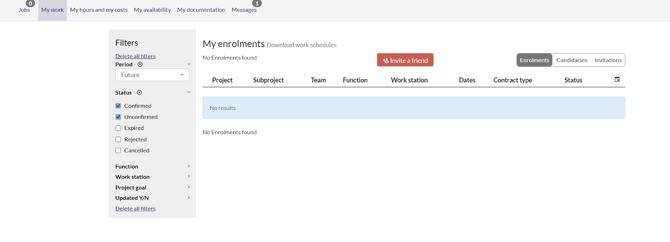
When you click this button, you get 2 fields to adjust:
- Email address of the receiver
-Text field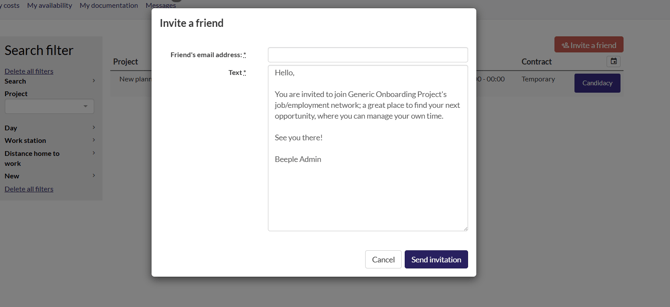
If all is entered, you can select “Send invitation” and the friend will be informed by email.
On the mobile app
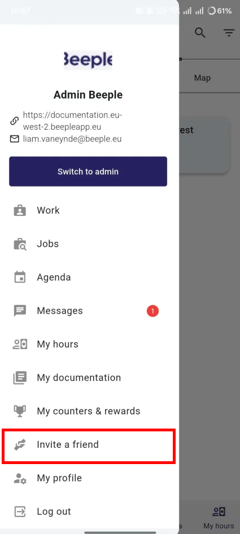
In the top left, select the 3 horizontal lines (hamburger menu)
Here you can find “Invite a friend”, the same steps as above apply: