.png?width=250&height=103&name=Beeple_Logo_Blue%20(1).png)
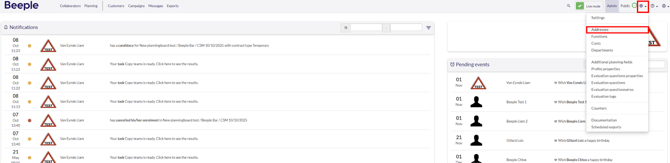
To access addresses, locate the gear icon, and then choose "Addresses."
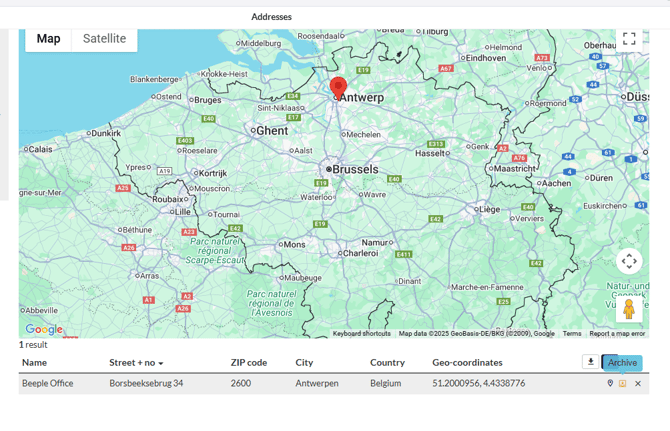
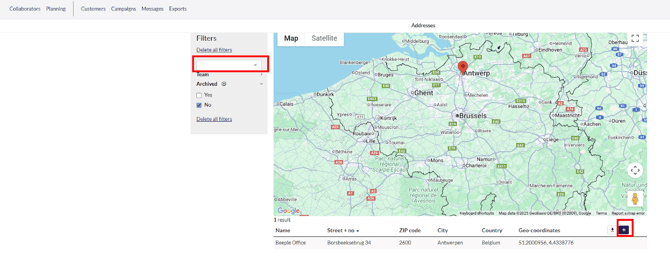
Below is a list of all addresses. To add a new address, click the "+" icon.
We can also search for an existing address by using the search field on the left.
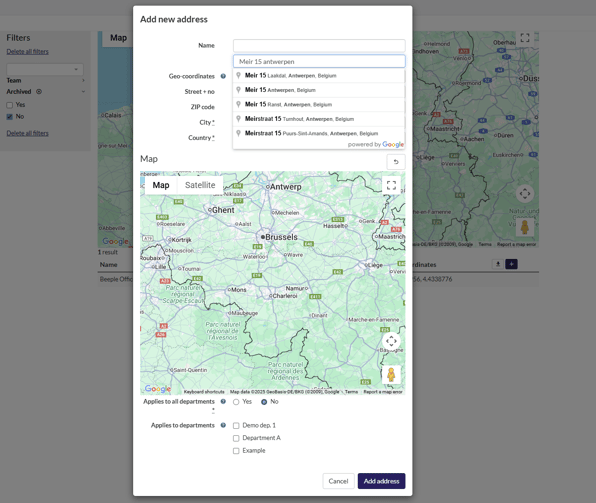
To add an address, use the magnifying glass icon in the second field. Enter the full street name, number, postal code, or city to receive suggestions from the system.
You can also choose to apply the address to a specific department. This option is only available if the 'Departments' module is activated in your environment.
Updating an existing address
To update an address, click on an existing address. You can change the name, location, and, if activated, the associated departments.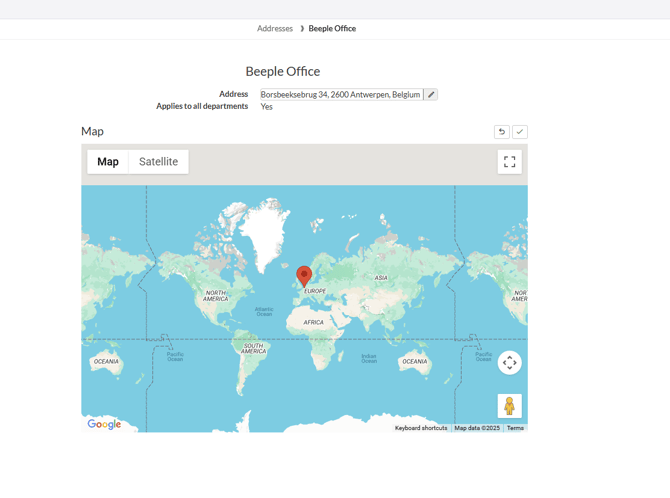
How to archive/delete an address
Hover over the address and select your preferred choice