.png?width=200&height=82&name=Beeple_Logo_Blue%20(1).png)
- A specific collaborator (only visible to them).
- A specific customer (only visible to collaborators enrolled for that customer).
- A specific team, subproject, or project (only visible to collaborators enrolled in that specific project, subproject, or team)
To set it up:
- Navigate to the gearwheel icon.
- Select "Settings."
- Under "Modules," choose "Documentation."
- Ensure that "Documentation" is active.
To add a document for a collaborator:
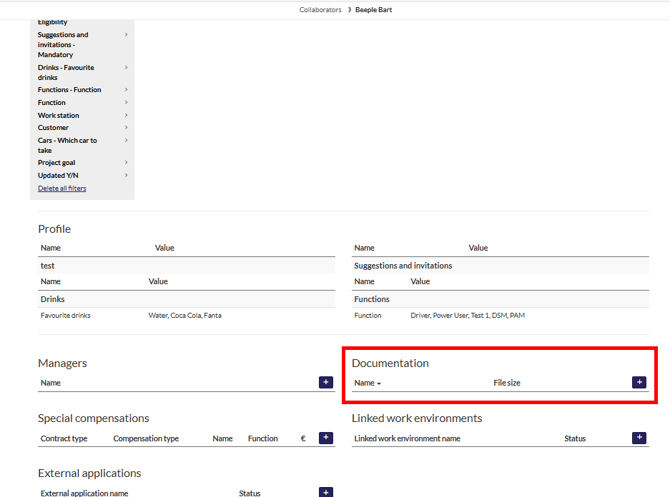
- Navigate to the collaborator's profile.
- Scroll down to the "Documentation" section.
- Upload the desired file.
This document will then be visible only to the collaborator and yourself as an administrator.
To add a document for a group of collaborators
- Navigate to the gearwheel and select “Documentation”.
- Upload the desired file.
- Use the filters to create your specific group of collaborators that need to see this document. (mostly used with functions/departments/…)
This document will then be visible to all collaborator and yourself as an administrator that belong to the selected filters.
To add a document for a customer
- Navigate to the header menu and select Customers.
- Scroll down to “Documentation”
- Upload the desired file
This document will then be visible to yourself as an administrator that has access to this customer.