.png?width=200&height=82&name=Beeple_Logo_Blue%20(1).png)
To set this up:
- Go to the gearwheel icon.
- Select "Settings."
- Under "Modules," locate "Customers."
- Ensure "Customers" is active.
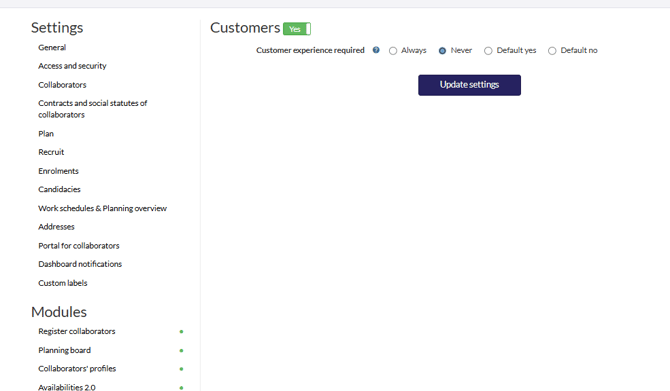
One setting is available:
Customer experience required: Choose whether customer experience is generally required across most teams. Options include: Always, Never, Default yes, or Default no.
Once activated, "Customers" will appear in the main header menu. Click the "+" icon to add a new customer. Complete all required fields and then select "Add customer."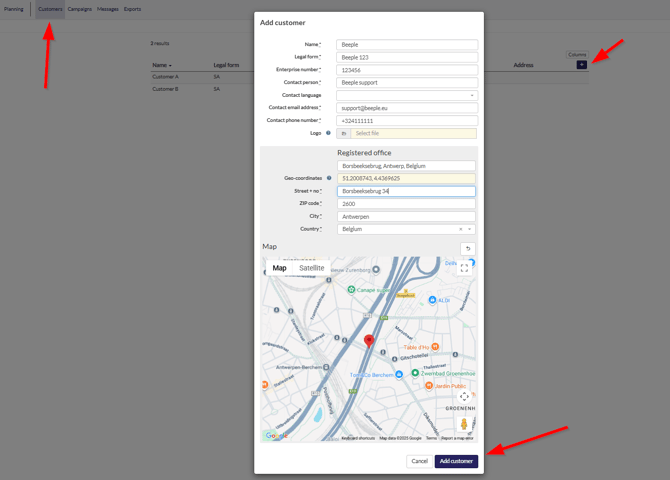
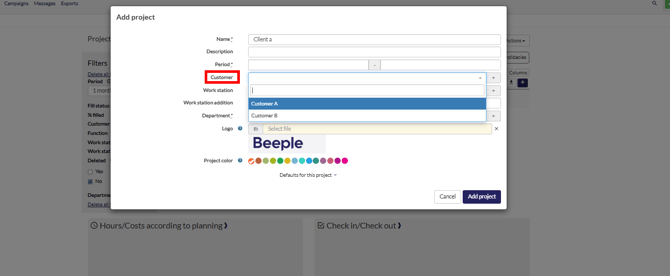
From now on when creating a project we can link a customer to that specific project: