.png?width=200&height=82&name=Beeple_Logo_Blue%20(1).png)
You can group collaborators and projects by department once the 'Departments' module is activated. However, be aware that activating this module significantly impacts the functionality of your Beeple website.
It is only recommended to use this module if:
- A project is executed by a single department.
- Collaborators need to be separated by department (though a collaborator can belong to multiple departments).
- Admins need to be separated by department (though an admin can belong to multiple departments).
Please note: When departments are activated:
- Collaborators will only be able to enroll or apply for jobs within their assigned department(s).
- Admins can only manage projects and collaborators within their assigned department(s).
- Collaborators who are not assigned to a department can only be managed by admins who belong to all departments.
Consult with your CSM before setting this module up.
Activate the module by following these steps:
- Navigate to the gearwheel icon.
- Select "Settings."
- Under the "Modules" section, choose "Departments."
- Ensure that the "Departments" module is set to "yes" and then save your changes.
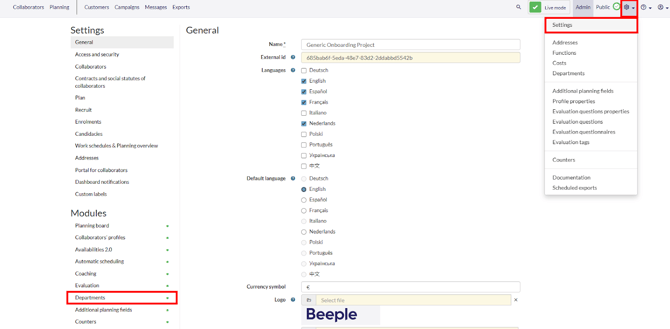
To create departments go back to the gearwheel and select “Departments”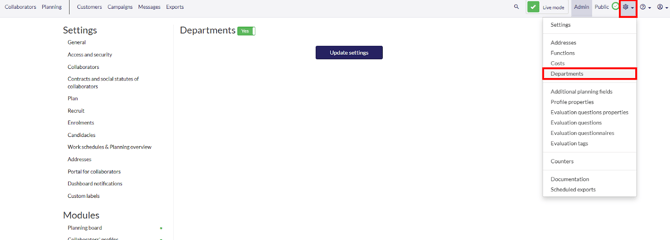
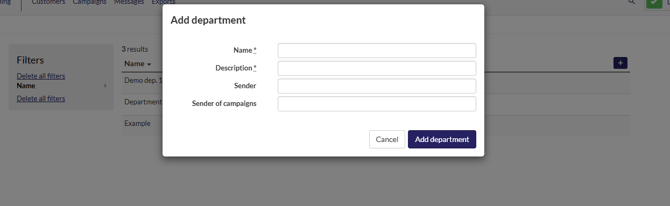
Once here, select the “+” icon to create a new department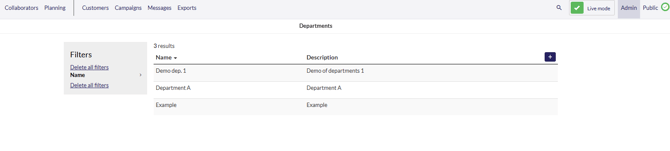
Department Settings
- Name: (Mandatory) The name of the department.
- Description: (Mandatory) A description of the department.
- Sender: The email address used for sending out all email templates from this department.
- Campaign Sender: The email address used for sending out campaigns specifically for this department.
After a department is added, a message template can be opened to select a different sender for each language within that template.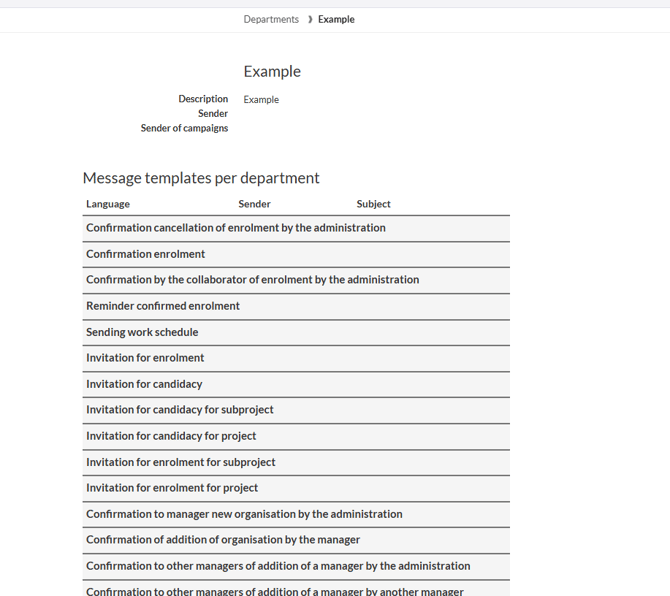
Where to use departments?
1. On the profile of the collaborator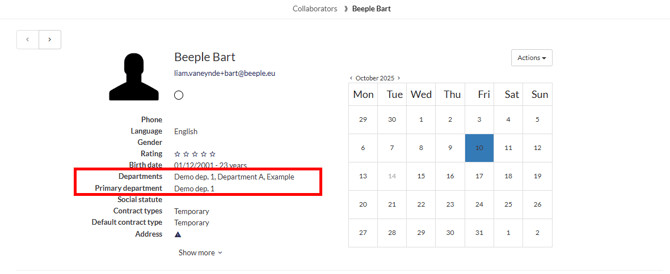
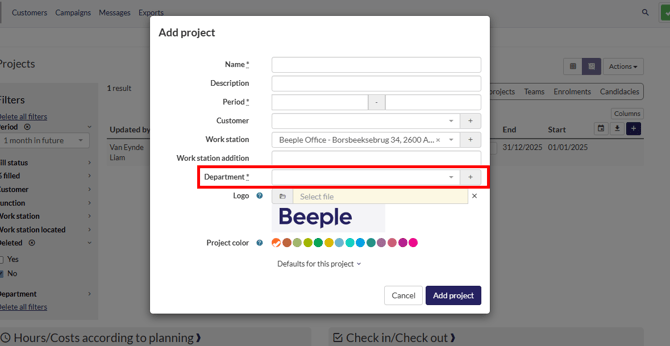
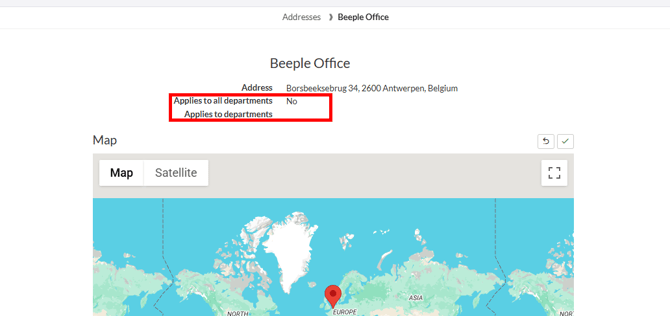
3. When creating an address:
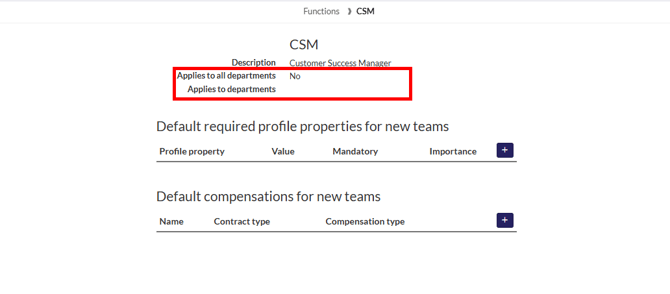
4. When creating a function:
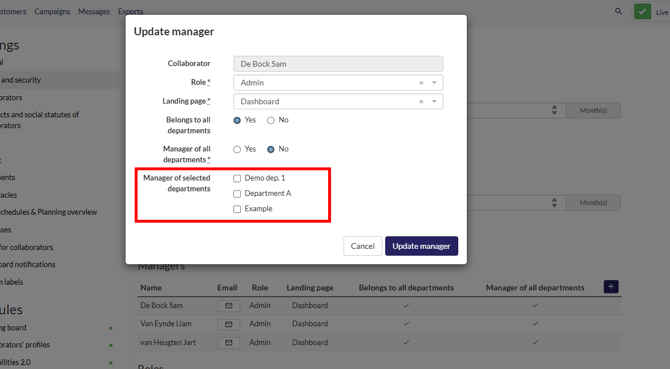
5. When adding an admin