.png?width=250&height=103&name=Beeple_Logo_Blue%20(1).png)
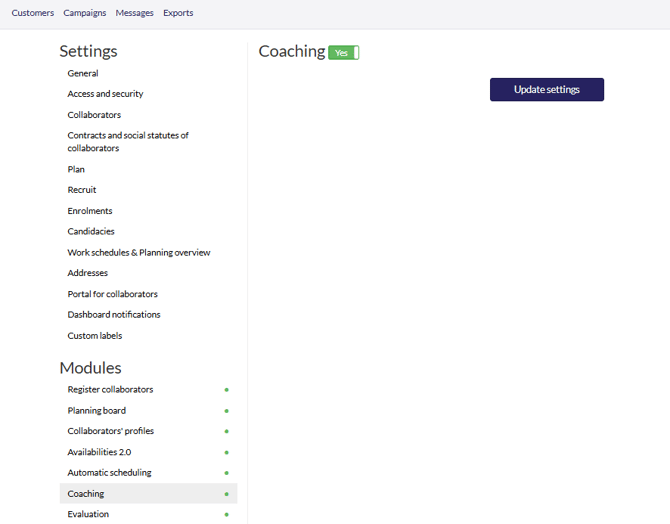
To set this up:
- Navigate to the gearwheel icon.
- Select "Settings."
- Under "Modules," locate "Coaching" and ensure it is activated
The default value can be entered at the project and sub-project levels under "Defaults for this (sub)project."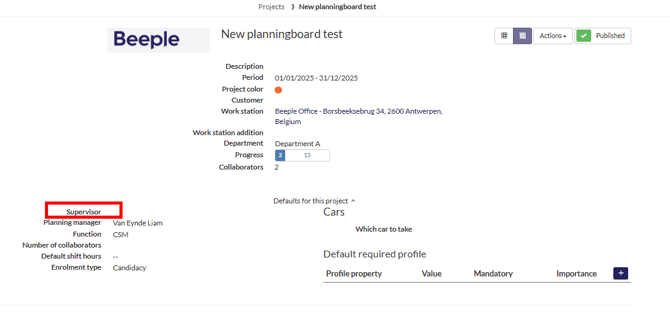
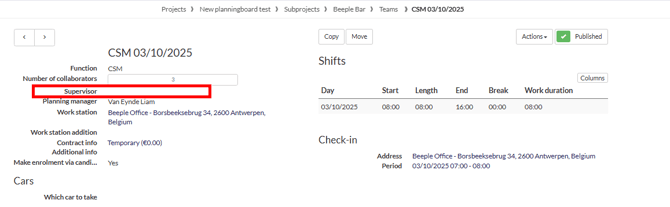
The supervisor information is accessible within the main team details.